

7 Free AI Tools for School Teachers in 2026 are transforming the way educators plan lessons, teach concepts, assess students, and manage classrooms. In today’s digital learning environment, teachers are expected to create interactive content, personalized worksheets, engaging presentations, and smart assessments — all while handling administrative work.
Doing everything manually takes much time and it’s comsume time and moreover stressful.
That’s why these free AI tools for school teachers are becoming most effective and powerful teaching assistants. They help you:
- plan faster
- explain better
- engage students actively in the class room
- reduce daily workload
- grab attention of the students
- making active
Whether you are an English teacher, Science teacher, or Primary teacher, these tools will make your classroom more interactive and your teaching more effective.

“A modern classroom where a teacher uses AI on a laptop, students learning through smart board visuals, holographic icons of AI tools, futuristic yet realistic, bright and engaging education environment”
🎯 Why Teachers Need Free AI Tools in 2026
Education is changing rapidly. Students today learn better with:
- visuals
- activities
- gamified quizzes
- simplified notes
Using 7 Free AI Tools for School Teachers in 2026, you can:
✔ create a full lesson plan in minutes
✔ generate questions instantly
✔ make slow learners understand concepts
✔ conduct live quizzes
According to global EdTech reports, AI-powered learning improves student engagement and saves teachers up to 70% preparation time.
🔗 https://www.weforum.org
🔗 https://www.edutopia.org
🔗 https://www.teachthought.com
Table of Contents
🧠 1. ChatGPT – Best for Lesson Planning & Teaching Content
What You Can Create
- Lesson plans
- Grammar explanations
- Classroom activities
- Question papers
- Real-life examples
How to Use
Step 1: Open ChatGPT
Step 2: Type:
“Create a 40-minute lesson plan for teaching Parts of Speech for Class 8.”
Step 3: Copy and edit according to your classroom.
Classroom Impact
You can generate:
- group discussion topics
- role-play activities
- HOTS questions
Your classroom becomes:
✔ student-centered
✔ activity-based
✔ interactive
“Teacher generating lesson plan using AI chatbot on laptop, organized digital lesson layout visible on screen, classroom background”
🎨 2. Canva AI – Best for PPTs, Worksheets & Visual Learning
What You Can Create
- Presentations
- Flashcards
- Infographics
- Worksheets
- Posters
How to Use
Step 1: Open Canva
Step 2: Click Magic Design
Step 3: Type your topic
Step 4: Select and edit your template
Classroom Impact
Visual learning helps:
- slow learners understand quickly
- improve memory retention
- maintain student focus
🧠 3. MagicSchool AI – AI Tool Designed for Teachers
What You Can Create
- Detailed lesson plans
- Rubrics
- Report card comments
- Classroom communication
How to Use
Step 1: Choose your resource
Step 2: Enter class, subject, and topic
Step 3: Click generate
You get a ready-to-use structured teaching plan.
Classroom Impact
Your teaching becomes:
✔ organized
✔ outcome-based
✔ time-efficient
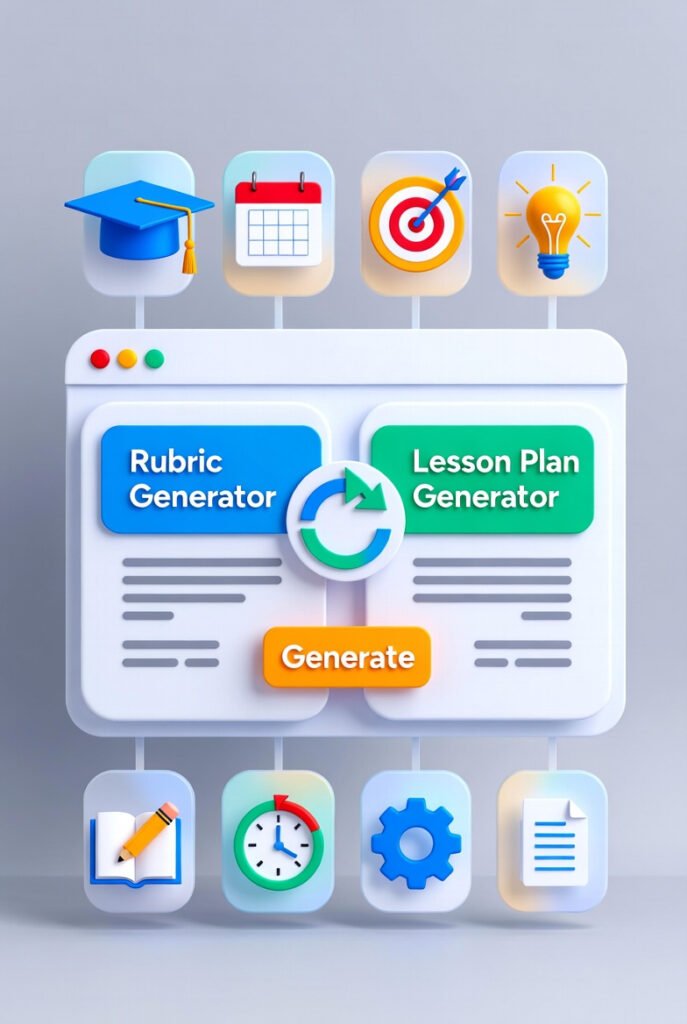
“Digital teacher dashboard generating rubric and lesson plan automatically, clean UI, education icons, futuristic design”
📚 4. Diffit – Best for Differentiated Learning
What You Can Create
- Simplified notes
- MCQs
- Vocabulary lists
- Comprehension passages
How to Use
Step 1: Paste your topic or text
Step 2: Select class level
Step 3: Generate content
Classroom Impact
Same topic for:
- slow learners → easy version
- advanced learners → higher-level questions
This ensures inclusive education.

🎮 5. Curipod – Best for Live Interactive Classes
What You Can Create
- Live polls
- Word clouds
- Drawing activities
- Instant quizzes
How to Use
Step 1: Enter your topic
Step 2: Generate interactive lesson
Step 3: Students join using a code
Classroom Impact
Students:
- participate actively
- use mobile for learning
- enjoy the lesson
No more passive classrooms.
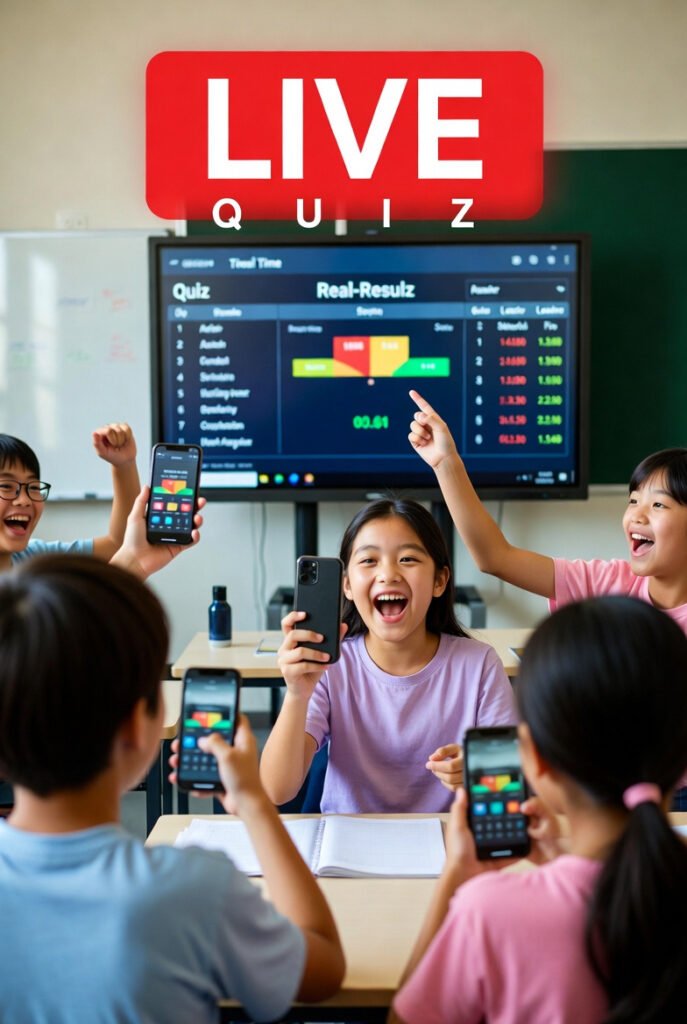
“Students participating in live AI quiz using smartphones, real-time results on smart board, joyful classroom atmosphere”
📝 6. Quizizz AI – Best for Assessment & Homework
What You Can Create
- Chapter tests
- Practice worksheets
- Homework
- MCQ exams
How to Use
Step 1: Enter topic
Step 2: Select grade
Step 3: Generate quiz
Classroom Impact
You get:
✔ auto grading
✔ performance reports
✔ instant feedback
Students feel like they are playing a game while learning.
📊 7. Gamma AI – Best for Instant Teaching Presentations
What You Can Create
- AI presentations
- Concept explanations
- Visual lesson slides
How to Use
Step 1: Type your topic
Step 2: Click generate
Step 3: Present directly in class
Classroom Impact
- Saves 2–3 hours daily
- Improves explanation clarity
- Makes teaching professional
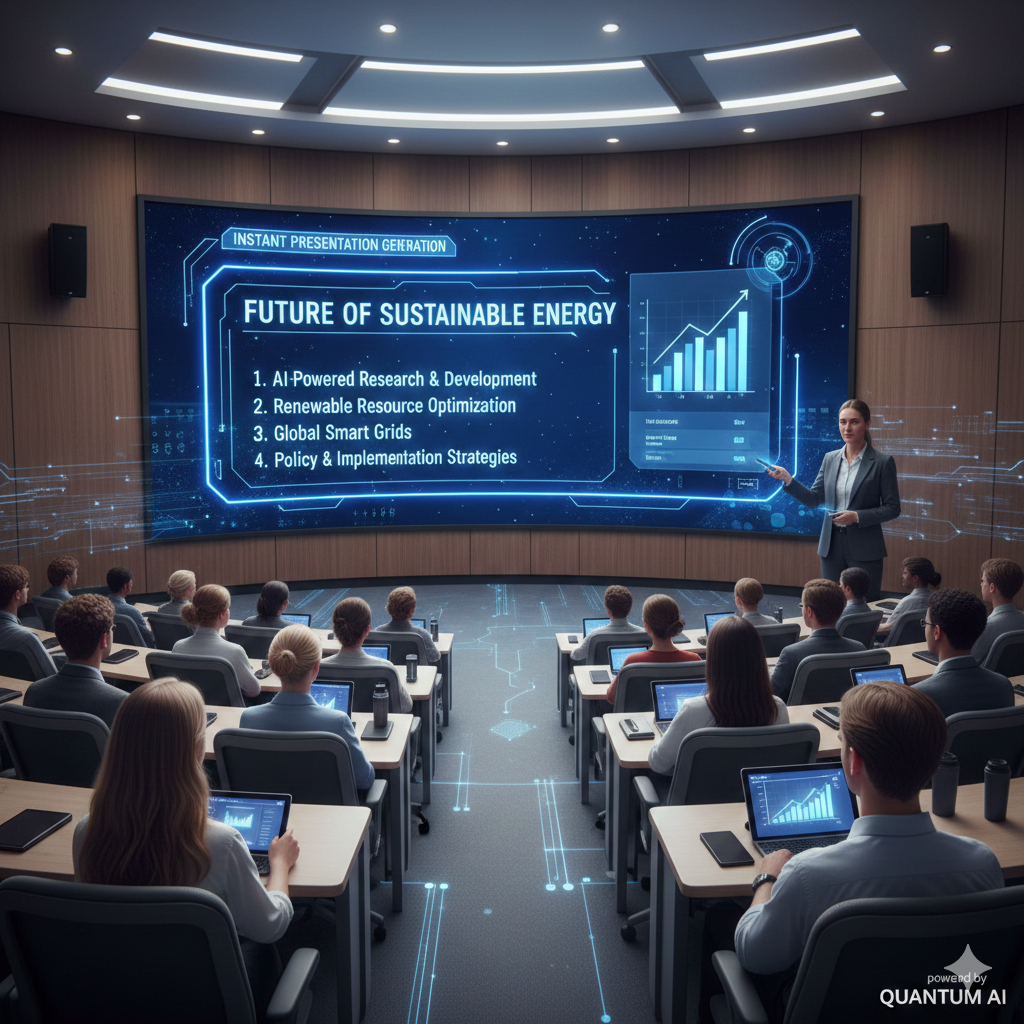
“AI generating a complete presentation instantly on a large classroom screen, teacher presenting confidently, modern learning environment”
🏫 A Real Teaching Workflow Using 7 Free AI Tools for School Teachers in 2026
Topic: Active & Passive Voice
✔ Lesson plan → ChatGPT
✔ PPT → Canva AI
✔ Notes → Diffit
✔ Live activity → Curipod
✔ Homework → Quizizz
Result:
- more student participation
- better understanding
- less teacher stress
⏳ How These Free AI Tools Save 10+ Hours Weekly
Without AI:
- manual lesson planning
- writing worksheets
- making PPTs
With AI:
✔ instant content
✔ ready-to-use resources
✔ automated assessment
You get more time for:
- personal attention to students
- creative teaching
- skill development
⚠️ Smart Tips for Teachers Using AI
Always:
✔ verify AI content
✔ add real classroom examples
✔ start with one tool
✔ use simple prompts
AI + Teacher experience = Powerful learning.
🚀 Future of Teaching with AI
Teachers who use 7 Free AI Tools for School Teachers in 2026 will:
- teach smarter
- engage better
- reduce workload
- create digital classrooms
AI will not replace teachers —
but AI-powered teachers will lead the future of education.
✅ Conclusion
7 Free AI Tools for School Teachers in 2026 are not just time-saving tools — they are complete teaching assistants.
AI will not replace teachers.
But teachers who use AI will:
✅ teach better
✅ save time
✅ create smart classrooms
✅ reduce stress
Start today with just one AI tool
and slowly build your AI-powered teaching system
❓ FAQs
Which is the best free AI tool for teachers?
ChatGPT for content, Canva for visuals, and Quizizz for assessment.
Can AI be used in government schools?
Yes. These tools work on mobile and low-end computers.
Is AI difficult for teachers?
No. You only need to type simple instructions.
https://mysportinfo.com/7-shocking-grok-ai-updates/
https://mysportinfo.com/7-urgent-seychelles-travel-advisory-virus-alert/